Building a SaaS with Astro and StudioCMS
A comprehensive guide to building a SaaS application using Astro and StudioCMS for content management.
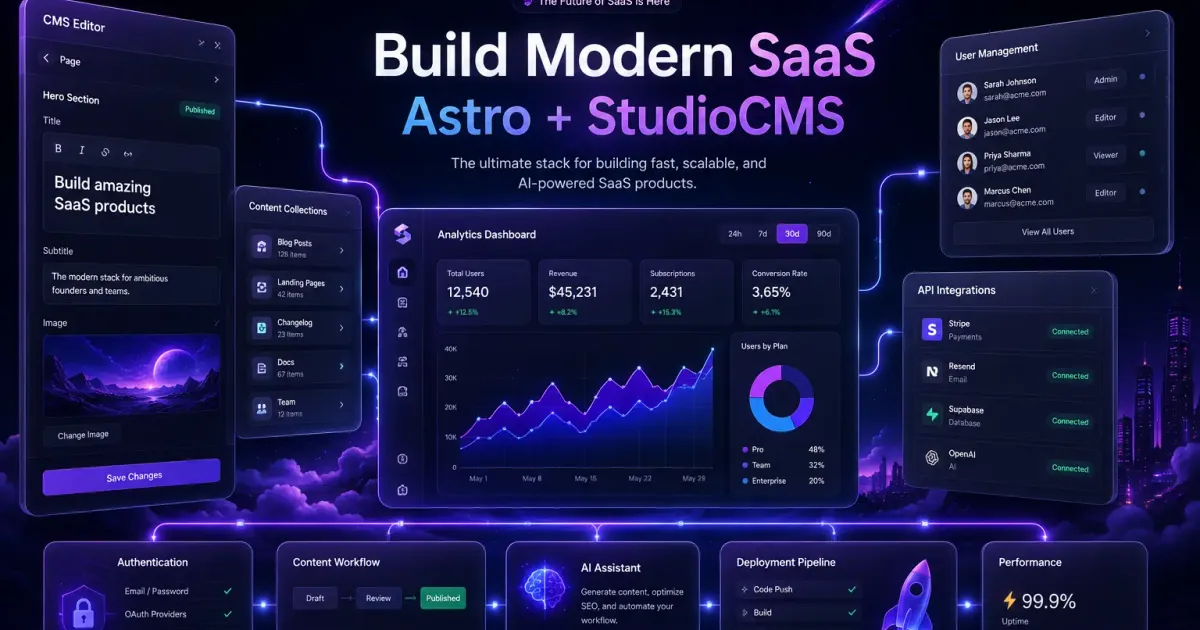
In this guide, we’ll walk through building a production-ready SaaS application using Astro for the frontend and StudioCMS for content management.
Why Astro + StudioCMS?
Astro1 provides excellent performance with its server-first approach, while StudioCMS2 offers a robust content management system built specifically for Astro.
Project Setup
Start by creating a new Astro project:
npm create astro@latest my-saas-appcd my-saas-appInstall StudioCMS:
npm install studiocms @astrojs/db @astrojs/nodeConfiguration
Set up your astro.config.mjs:
import { defineConfig } from 'astro/config'import db from '@astrojs/db'import node from '@astrojs/node'import studioCMS from 'studiocms'
export default defineConfig({  site: 'https://my-saas-app.com',  output: 'server',  adapter: node({ mode: 'standalone' }),  integrations: [db(), studioCMS()],})
Content Collections
Define your content schema in src/content.config.ts:
import { defineCollection } from 'astro:content'import { glob } from 'astro/loaders'import { z } from 'astro/zod'
const posts = defineCollection({  loader: glob({ pattern: '**/*.md', base: './src/content/posts' }),  schema: z.object({    title: z.string(),    slug: z.string(),    excerpt: z.string(),    publishedAt: z.coerce.date(),    tags: z.array(z.string()),    category: z.string(),  }),})
export const collections = { posts }
SEO Implementation
Create a reusable SEO component for consistent meta tags across all pages:
---interface Props {  title: string  description: string  image?: string}
const { title, description, image } = Astro.props---
<title>{title}</title><meta name="description" content={description} /><meta property="og:title" content={title} /><meta property="og:description" content={description} />{image && <meta property="og:image" content={image} />}
RSS Feed
Add an RSS feed using @astrojs/rss:
import rss from '@astrojs/rss'import { getCollection } from 'astro:content'
export async function GET(context: { site: URL }) {  const posts = await getCollection('posts')
  return rss({    title: 'My SaaS Blog',    description: 'Latest updates and tutorials',    site: context.site,    items: posts.map((post) => ({      title: post.data.title,      pubDate: post.data.publishedAt,      description: post.data.excerpt,      link: `/blog/${post.data.slug}/`,    })),  })}
Search with Fuse.js
Implement client-side search using Fuse.js:
import Fuse from 'fuse.js'
interface PostData {  title: string  excerpt: string  tags: string[]  slug: string}
export function createSearchIndex(posts: PostData[]) {  return new Fuse(posts, {    keys: ['title', 'excerpt', 'tags'],    threshold: 0.3,  })}
Conclusion
With Astro and StudioCMS, you can build a performant, scalable SaaS application with excellent content management capabilities. The combination of static-first rendering and server-side capabilities gives you the best of both worlds.