Getting Started with Astro 5
Learn how to build fast, content-focused websites with Astro 5 and its islands architecture.
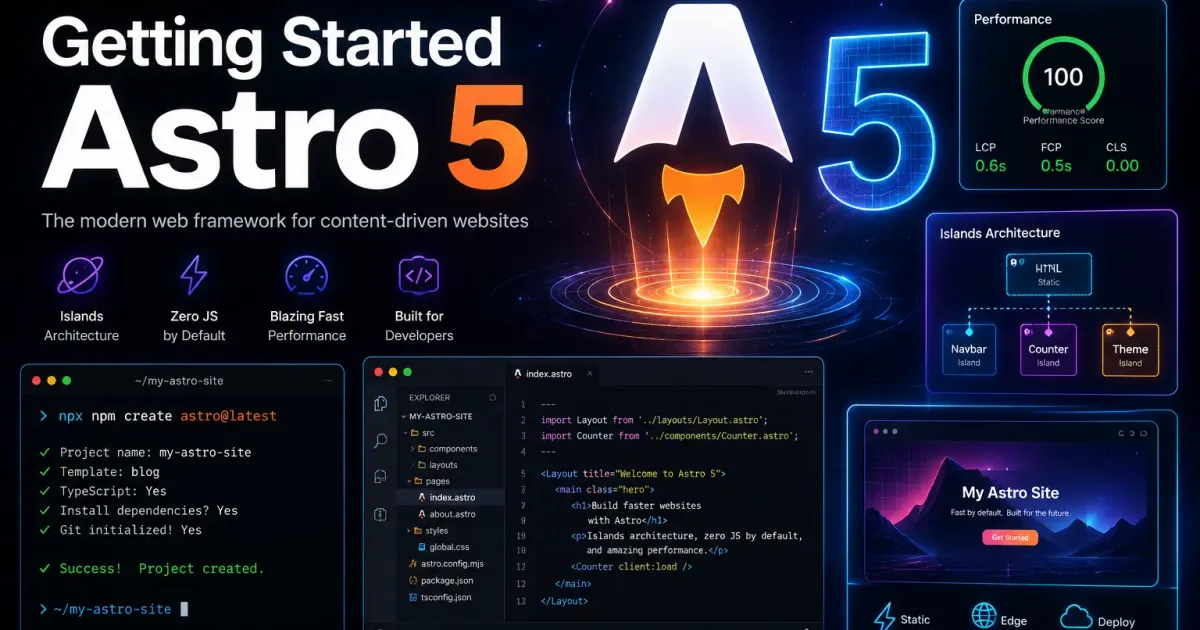
Getting Started with Astro 5
Astro 51 brings significant improvements to the already powerful web framework. In this guide, we’ll explore the key features and how to get started building your first Astro site.
What is Astro?
Astro is an all-in-one web framework designed for building fast, content-focused websites. It uses an islands architecture approach, shipping zero JavaScript by default and only hydrating interactive components when needed.
Key Features
- Zero JS by default — Astro renders your pages to static HTML
- Islands architecture — Interactive components load only when needed
- UI-agnostic — Use React, Vue, Svelte, or any framework
- Content collections — Type-safe content management with Zod schemas
Getting Started
To create a new Astro project:
npm create astro@latestThen navigate to your project and start the dev server:
cd my-astro-sitenpm run devContent Collections
Astro’s content collections provide type-safe content management:
import { defineCollection } from 'astro:content'import { glob } from 'astro/loaders'import { z } from 'astro/zod'
const blog = defineCollection({  loader: glob({ pattern: '**/*.md', base: './src/content/blog' }),  schema: z.object({    title: z.string(),    pubDate: z.coerce.date(),  }),})
export const collections = { blog }
This ensures your content is validated at build time, preventing errors before they reach production.
Conclusion
Astro 5 makes it easier than ever to build performant websites. Start exploring and see what you can build!
Footnotes
Related Posts
2
Set Up 9router API Proxy on VPS with PM2 and Cloudflared
Detailed guide to setting up a 9router API proxy on a VPS using PM2 and Cloudflared Tunnel. Manage multiple AI API keys (OpenAI, Anthropic, Google), rotate providers, hide credentials, and control costs.
Mastering TypeScript Generics
Deep dive into TypeScript generics and learn how to write reusable, type-safe code.