TailwindCSS 4 Migration Guide
Everything you need to know about migrating to TailwindCSS 4, including breaking changes and new features.
guides
· 2 min read
TailwindCSS 4 Migration Guide
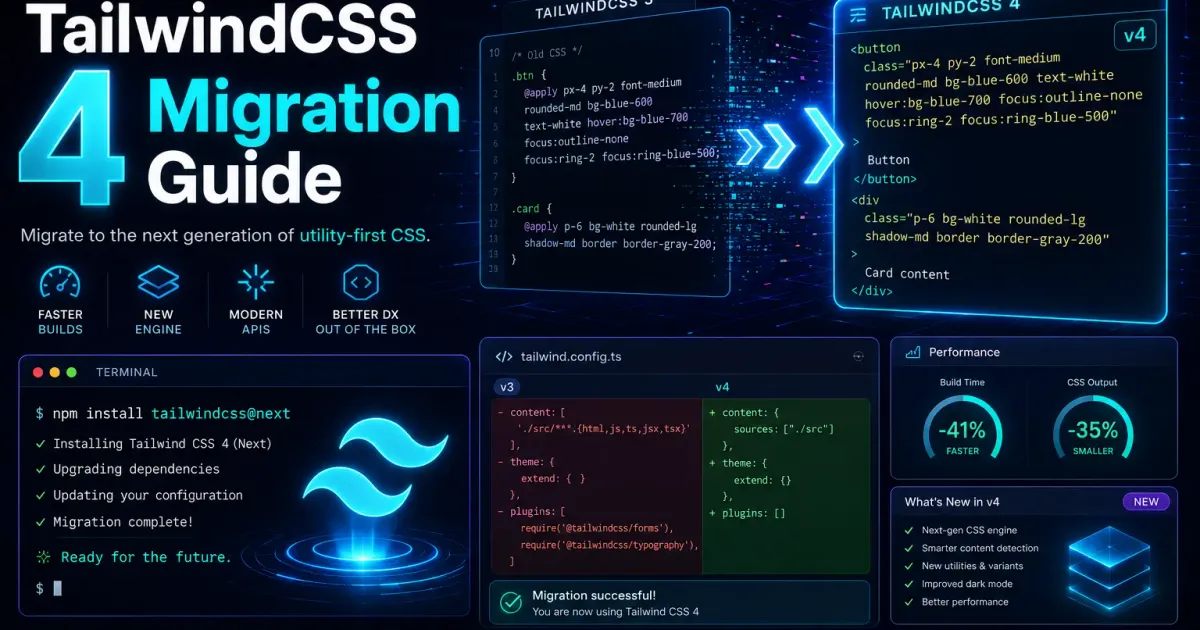
TailwindCSS 41 introduces significant changes that improve performance and developer experience. This guide covers everything you need to migrate smoothly.
What’s New in TailwindCSS 4?
- Vite plugin instead of PostCSS — Simpler setup
- CSS-first configuration — No more
tailwind.config.js - Improved performance — Faster builds
- Automatic content detection — No need to specify content paths
Installation
npm install tailwindcss @tailwindcss/viteVite Configuration
import { defineConfig } from 'vite'import tailwindcss from '@tailwindcss/vite'
export default defineConfig({  plugins: [tailwindcss()],})
CSS Configuration
Replace your tailwind.config.js with CSS variables:
@import 'tailwindcss';
@theme {  --color-primary: #3b82f6;  --color-secondary: #64748b;  --font-sans: 'Inter', sans-serif;}
Breaking Changes
Configuration
The old JavaScript-based configuration is replaced by CSS-based configuration:
/* Old way (v3) *//* tailwind.config.js */module.exports = {  theme: {    extend: {      colors: {        primary: '#3b82f6',      },    },  },}
/* New way (v4) */@theme {  --color-primary: #3b82f6;}
Plugin Changes
Some plugins have been renamed or restructured:
@import 'tailwindcss';@plugin '@tailwindcss/typography';Migration Steps
- Update dependencies
- Remove
tailwind.config.js - Add
@tailwindcss/viteto Vite plugins - Update CSS imports
- Test your build
Conclusion
TailwindCSS 4 simplifies configuration while improving performance. Take the time to migrate and enjoy the benefits.